
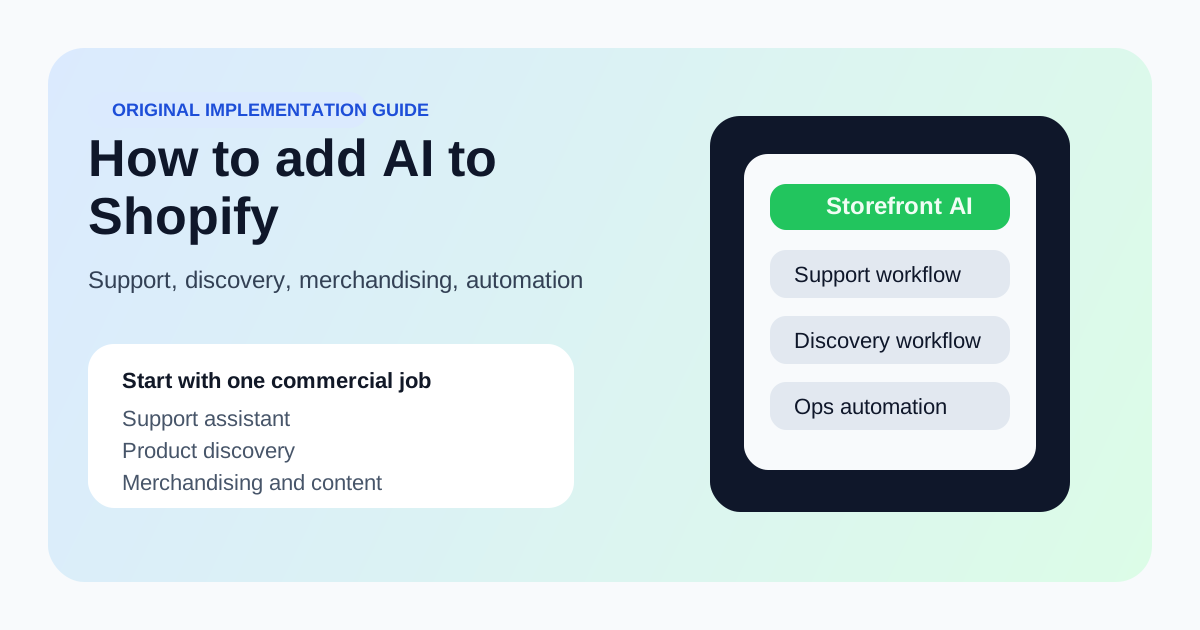
Start with one commercial job
Use AI first for support, discovery, merchandising, or content generation. Do not try to change the whole storefront at once.
The safest way to add AI to Shopify is to start with one commercial job: customer support, product discovery, merchandising, or product content. Add the AI layer where it improves conversion or service quality without slowing the storefront down.
Merchants usually ask how to add AI to Shopify as if it were one integration decision. It is not. The real choice is where AI creates measurable value on the store, which layer should handle it, and how to keep the implementation from turning into a slow, confusing storefront experiment.
These are the key points the page is trying to help the reader decide quickly.
Use AI first for support, discovery, merchandising, or content generation. Do not try to change the whole storefront at once.
If the AI layer slows page load, breaks mobile UX, or complicates checkout, it is harming conversion before it helps anything.
Order deflection, search success, chat-to-conversion, and content production speed are much better success metrics than vague engagement numbers.
The cleanest rollout is to pick one operational layer and one business metric. These are the usual starting points.
| AI layer | What it does | When it should come first | Primary metric |
|---|---|---|---|
| Support assistant | Answers shipping, returns, and policy questions | When support load is high and repetitive | Containment rate and ticket deflection |
| Product discovery assistant | Helps shoppers find products faster | When catalog navigation is weak or complex | Search success and assisted conversion |
| Merchandising and copy generation | Speeds up descriptions, collection pages, and campaigns | When content creation is slowing product launches | Publishing speed and conversion lift on updated pages |
| Workflow automation | Handles repetitive operations around products or monitoring | When ops teams are bottlenecked outside the storefront itself | Manual time saved and throughput gains |
First, choose the job. AI for Shopify is not a feature, it is a workflow. The job might be support, product discovery, merchandising, or internal operations. The clearer the job, the easier the rollout.
Second, choose the interface. Some teams need a visible storefront assistant, while others need behind-the-scenes AI that improves catalog operations or content creation. Do not assume a chat widget is the answer to every commerce problem.
Do not add AI everywhere on the site at once. That creates noise, hurts performance, and makes it impossible to attribute results. It is better to win one measurable workflow than to scatter AI features across the theme.
Also avoid pushing AI into storefront rendering paths if you do not need it there. Many strong Shopify AI wins happen in support, content, and operations rather than on the product page itself.
These tool pages are the practical next step once the reader understands the workflow and wants to compare products.
Fresh stories that reinforce why this topic keeps changing and where vendor or platform decisions are moving.
Commerce AI costs and capabilities will keep shifting as infrastructure spending expands.
One more signal that merchant-facing AI products will keep improving and getting more competitive.
Use these GPT pages when a narrower task-specific workflow is enough and a full app would be overkill.
Usually a support or discovery workflow where you can measure resolution speed, assisted conversion, or reduced manual work without disrupting checkout.
Only when the user-facing interaction clearly improves conversion or support outcomes. Many strong Shopify AI wins happen outside the critical rendering path.