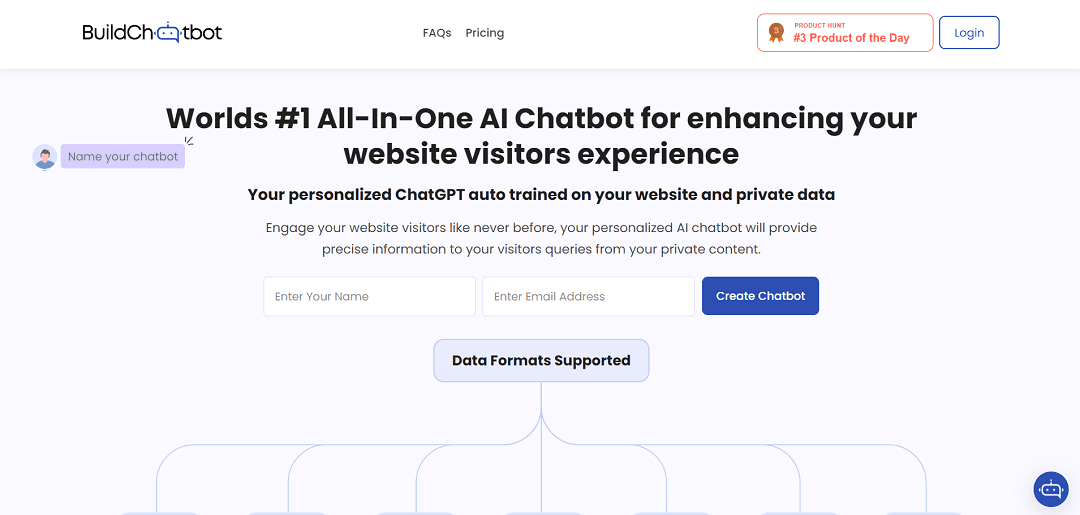
Build Chatbot is an innovative no-code chatbot that effortlessly extracts data from diverse formats including audio, and video, using them to auto-train bots for precise responses. This saves time and boosts engagement, potentially increasing conversions by 40%. With a user-friendly interface, Build Chatbot ensures an efficient, responsive, and satisfying online experience, making it a valuable tool for businesses and individuals. Register for Free. Currently used on over 5K websites globally.
Chatbot
September 23, 2025
ChatwithMyWebsite
Build Chatbot is an innovative no-code chatbot that effortlessly extracts data from diverse formats including audio, and video, using them to auto-train bots for precise responses. This saves time and boosts engagement, potentially increasing conversions by 40%. With a user-friendly interface, Build Chatbot ensures an efficient, responsive, and satisfying online experience, making it a valuable tool for businesses and individuals. Register for Free. Currently used on over 5K websites globally.
This page is meant to help with selection, not just discovery. Use it to decide whether the tool fits the workflow, what to compare next, and whether it deserves a real trial.
WhisperAiML take
These notes are here to make the page more useful as a buying and comparison surface.
Best fit
Use ChatwithMyWebsite when the main need is chatbot and you want a tool-specific page instead of a generic directory listing.
WhisperAiML take
Build Chatbot is an innovative no-code chatbot that effortlessly extracts data from diverse formats including audio, and video, using them to auto-train bots for precise respons…
What to compare next
Compare ChatwithMyWebsite against AI Anywhere and ChainDesk before deciding on price, setup speed, and workflow fit.
Related guides for this app category
Move from tool discovery into the evergreen explainers that help evaluate where this app fits, what workflow it supports, and what to compare it against.
AI tools for content repurposing: what to test first
Strong follow-on content for video, subtitles, dubbing, transcription, and publishing workflows.
Top AI video generators
Strong follow-on content for transcription, dubbing, subtitles, and media-production stories.
10 best alternatives to ChatGPT
Useful when a page is really about assistant selection, model tradeoffs, or replacing generic chat tooling.