
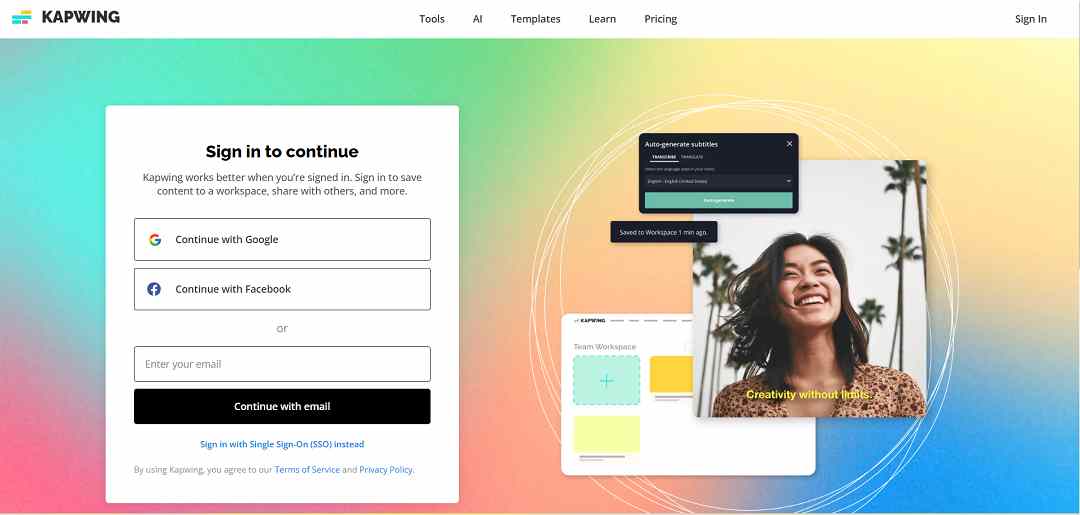
Kapwing is an outstanding online tool renowned for its
versatility and extensive video editing capabilities. One of its
standout features is its automatic subtitle generation, which
simplifies the creation of engaging content by supporting multiple
languages and offering customizable subtitle options. Additionally,
Kapwing provides a wide range of editing tools that allow users to
effortlessly trim, loop, and layer videos, as well as integrate
images, backgrounds, and transitions. Its cloud-based functionality
fosters collaborative work and provides easy project access from any
device, enhancing user convenience and flexibility. The
platform's user-friendly interface has been praised for its
ability to simplify complex editing tasks, catering to both
beginners and professionals. While the free version is suitable for
casual users, subscription plans unlock advanced features such as
extended video length and watermark removal, making it ideal for
frequent users and professionals alike. In essence, Kapwing emerges
as a powerful and accessible tool, perfect for students, educators,
and content creators seeking to create and share high-quality media
effortlessly.
Kapwing boasts a robust feature set designed to meet a wide range of video editing needs, making it particularly beneficial for social media creators, educators, and businesses. Here's a breakdown of its key features:
Video Editing Tools: Kapwing offers an intuitive timeline editor, various video tools like trimmers, converters, and screen recorders, as well as advanced AI tools that automate tasks such as cutting silences and enhancing audio quality.
Collaborative Editing: Similar to Google Docs, Kapwing supports real-time collaboration, simplifying teamwork on projects and ensuring seamless workflow.
Content Creation: With tools for generating subtitles, memes, and converting videos, coupled with a vast library of stock assets, Kapwing caters to a diverse range of content creation needs.
Templates and Effects: Users have access to a plethora of templates and can enhance their videos with a wide array of filters and effects to elevate their content.
Accessibility and Efficiency: Kapwing is designed to streamline the video creation process, enabling users to produce high-quality videos from start to finish without requiring extensive prior experience with video editing tools.